

How can a salon take online bookings using Google Calendar? A build log from a Chilliwack hair studio
A first-hand build log from simplescissors.ca, a custom Astro and Netlify site that books straight into a Google Calendar. The double-booking checks, the BC UTC-7 time zone bug, and the trade-offs.
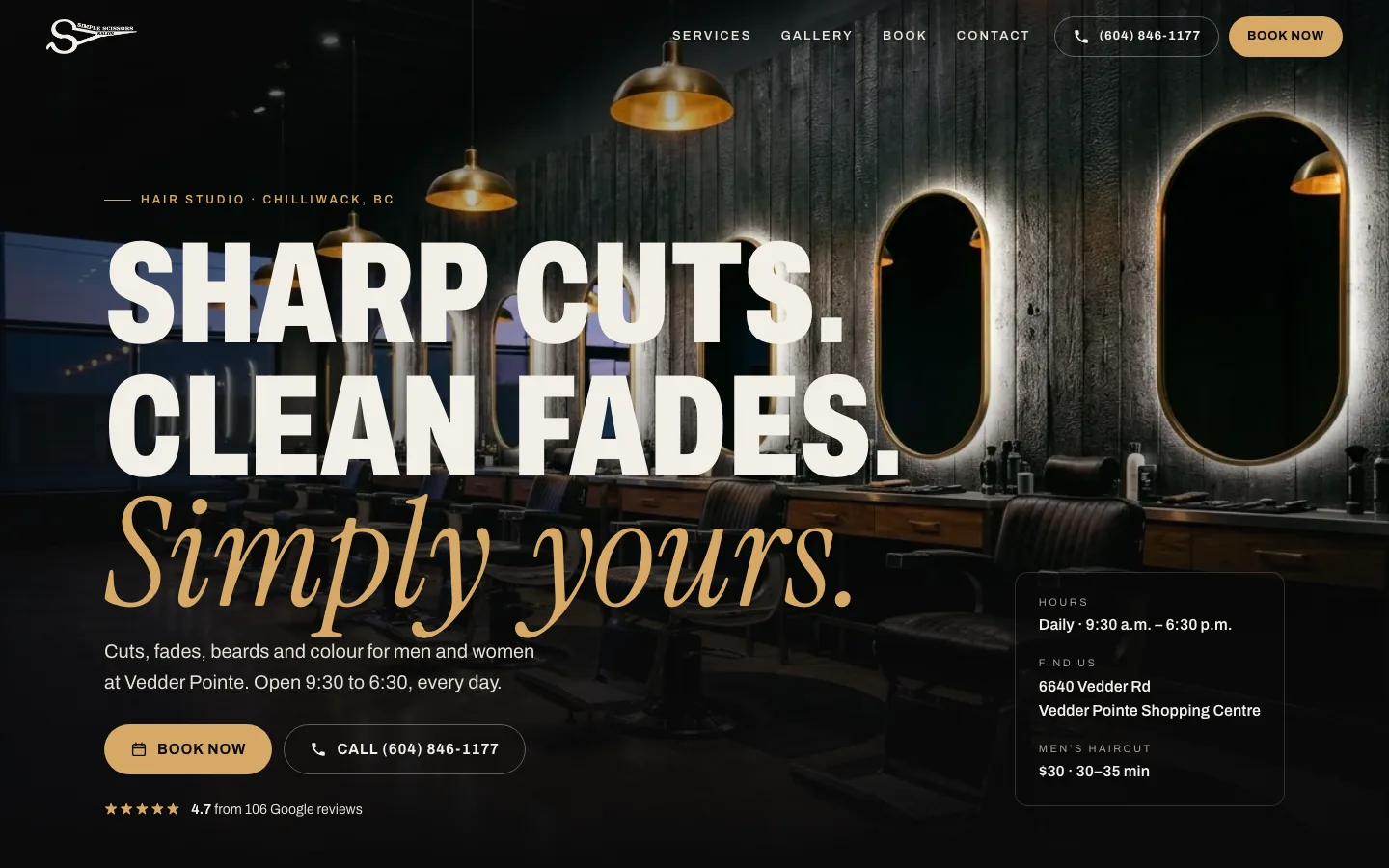
A salon doesn’t need a booking platform to take bookings online. It needs a website that can read a calendar and write to it. We built that for Simple Scissors Hair Studio in Chilliwack, BC: a custom site at simplescissors.ca, made with Astro and deployed on Netlify, whose booking page works directly against a Google Calendar. (The short version, with screenshots: the Simple Scissors case study.)
This is what we decided, what it cost us in trade-offs, and what we’d tell another owner-operator thinking about the same thing.
Why use Google Calendar instead of a booking platform?
Because the owner already ran his day from it. A booking platform adds a subscription and a second system to check. A calendar he already understands adds nothing to learn.
So the calendar is the system and the site is a window onto it. There is no booking-platform subscription in the stack. Hosting and a domain still cost what they cost for any site, and we haven’t put numbers on this build here.
How does the site know which times are open?
It asks Google for the calendar’s free/busy data for the day, then subtracts those busy blocks from the studio’s listed hours (9:30 a.m. to 6:30 p.m.). What’s left becomes fifteen-minute slots, sized to the service. A men’s haircut reserves 35 minutes, a root touch-up reserves two hours.
Free/busy only says “busy”. It doesn’t hand the site anyone’s appointment details. That’s deliberate, and it’s why the Google permissions we ask for are narrow: create and edit events, and read free/busy.
One consequence we chose on purpose: any busy event blocks the time, whether it’s a client, a lunch or a day off. To close a Sunday, the owner adds an all-day event.
How do you stop two people booking the same time?
A free/busy check alone isn’t enough. Two customers can both see 2:00 p.m. open and both tap Confirm within the same second. So every booking runs three steps:
- Check free/busy for the exact slot. If it’s taken, say so and offer the nearest open times.
- Insert the event into the calendar.
- Check again for any overlapping event created in the meantime. The earlier-created event wins. If ours lost, we delete it and offer alternatives.
Two smaller details. The event ID is a hash of a request ID the page generates, so a retried tap on a flaky phone connection can’t create a duplicate. And the confirmation only appears once the event exists in the calendar.
What went wrong with BC’s time zone?
This is the part that surprised us. BC moved to permanent UTC-7 in March 2026. But common
time zone data can still describe America/Vancouver as switching to PST in November. If
the slot maths trusts that, every slot after the change lands an hour off. A customer
picks 2:00 p.m. and the calendar says 1:00 p.m.
We didn’t want correctness to depend on whose time zone database was newest, on the server
or in the customer’s browser. So the site does its slot maths in a fixed UTC-7 zone, which
doesn’t depend on that data at all. When it talks to Google, it sends America/Vancouver,
because Google’s side has the current rule.
The catch: this fix has a shelf life. It’s right for a zone that has stopped changing. If the rule ever changes again, it’s a one-line setting to revisit.
What makes the booking page work on a phone?
We assumed most people book in a spare minute with one thumb, and built for that:
- Times grouped by time of day. Morning, afternoon, evening. Long days fold each group behind a “View more” button, so the name and phone fields stay within reach.
- Missing fields guide the customer. Tap Confirm with a gap and the page scrolls to the first missing field and outlines it in gold. It never clears what they already chose.
- A short path. Service, day, time, details. Fourteen day buttons and a date picker up to 60 days out.
What did we leave out, and why?
We’d rather say it than have you find out later.
- No customer email or text. The customer gets an on-page confirmation and a calendar file to save. The form doesn’t ask for an email address.
- No online cancellation. Changes go through a phone call. The owner can delete the event.
- One chair. The calendar is treated as a single chair. Several stylists booking at once would need one calendar each.
- Four services stay phone-only. Highlights, balayage, women’s perms and smoothing treatments have no confirmed duration, so they show as “call to book”.
- No secrets in the browser. The Google credentials live in server-side environment variables on Netlify. We checked that the pages and scripts the browser downloads don’t contain them.
Would this work for your business?
If you’re an owner-operated salon, barber, clinic or studio that already lives in Google Calendar, probably yes. If you have several practitioners booking in parallel, need deposits or reminders, or want customers to cancel themselves, you’ll want something bigger, and we’ll tell you so.
Book a free 30-minute call and bring your current calendar setup. If you’re weighing what a custom booking site costs, start with how much a custom business website costs in Vancouver.
Written by Jazz Grewal, who builds these systems for BC service businesses.